Loop Any YouTube Video in One Click
The free LoopTube extension for Chrome: on any YouTube video, click the icon and practise it in LoopTube, looped and slowed down.
Updated November 2026
Watching a lesson or a song on YouTube and want to loop one part? Click the LoopTube icon. The same video opens in LoopTube at the moment you were watching, with YouTube paused, ready for you to mark a section, slow it down and repeat it.
Three ways to open a video
- Toolbar icon: on any YouTube video, Shorts or live stream, click the LoopTube icon.
- Keyboard: press Alt+L on a YouTube tab.
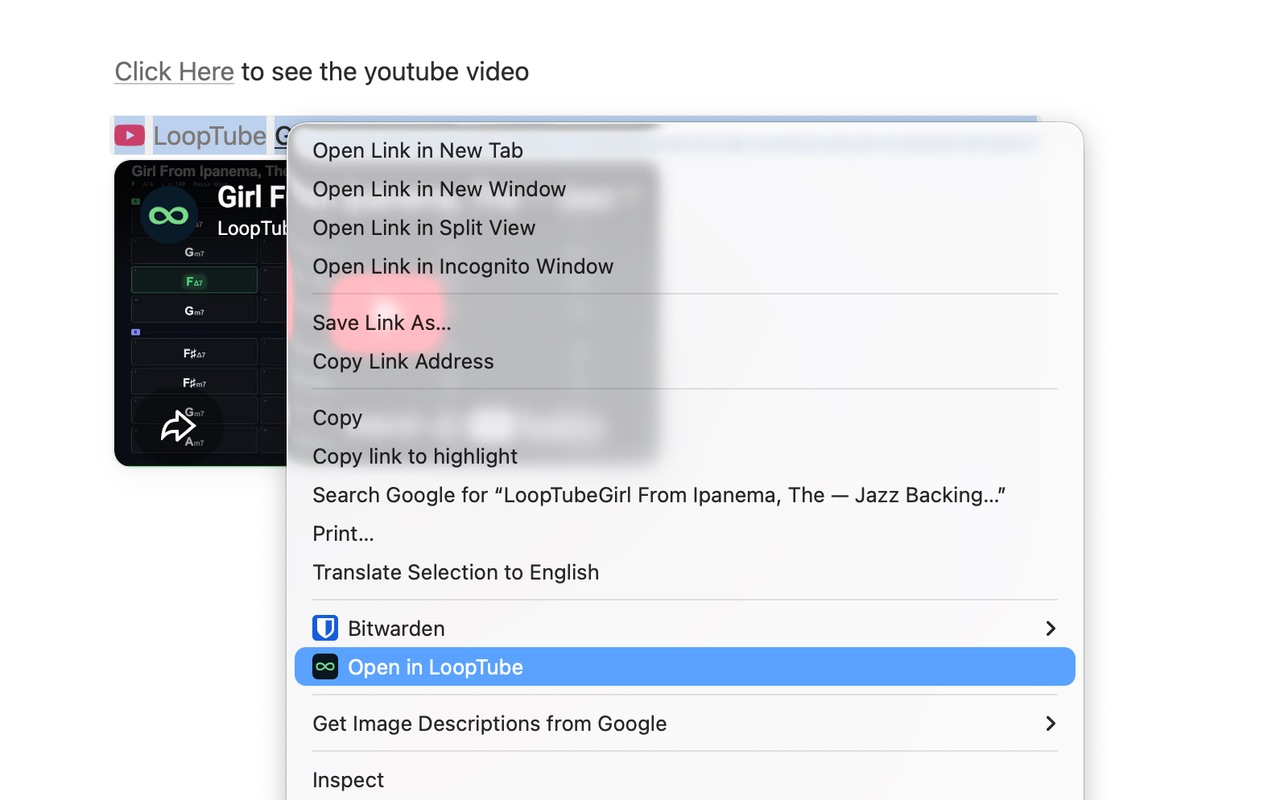
- Right-click a YouTube link anywhere, on Reddit, a lesson page or in an email, and choose “Open in LoopTube”.
What you can do once it opens
- Set A and B markers to loop just one section
- Slow it down to 25% without changing the pitch
- Raise the speed a little at a time with the tempo trainer
- Count in with the metronome, and save loops to come back to
Private by design
The extension can’t read or change anything on the sites you visit. It only acts when you click it, in the tab you clicked, and collects no data. See the privacy policy.
Questions
Is the LoopTube extension free?
Yes. The extension and LoopTube itself are free. No account is needed to loop or slow down a video.
What permissions does it ask for?
None over your browsing. It has no access to youtube.com or any other site, so Chrome shows no "read and change your data" warning. When you click the icon, it reads the current time of the video in that one tab and pauses it, and nothing else. It collects no data.
Which browsers does it work in?
Chrome, Edge, Brave, Opera, Vivaldi, Arc and other Chromium browsers on Windows, Mac, Linux and ChromeOS. Phones can't run extensions: on a phone, paste the YouTube link into looptube.xyz instead.
Do I need the extension to use LoopTube?
No. LoopTube is a website and works in any browser: paste a YouTube link and loop it. The extension just skips the copy and paste, and opens the video at the moment you were watching.
Can I change the keyboard shortcut?
Yes. The default is Alt+L. Change it at chrome://extensions/shortcuts.